Product & tabletop
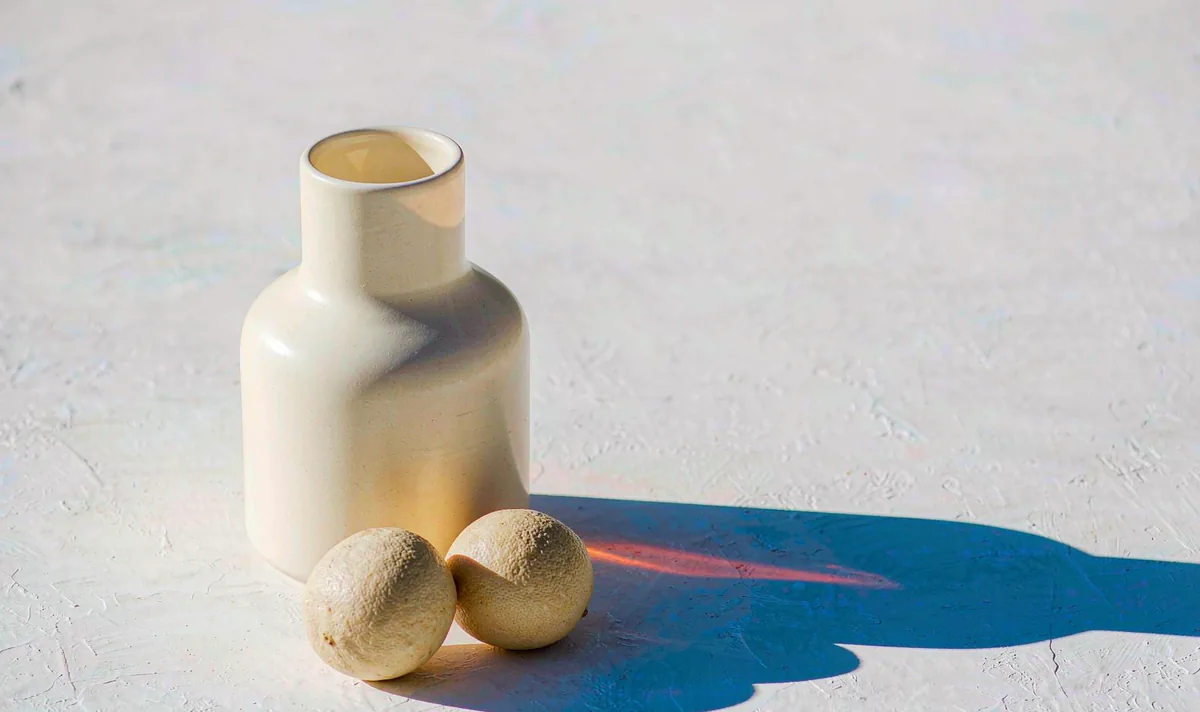
Hard-Light Tabletop Product Reveal
Move the shadow, not the product. Geometry stays honest.
Open recipe →Preset library · 12 shots · reviewed 18 November 2026
A preset is not a paragraph of atmosphere. It is a frame check, a three-beat action, a list of anchors that must not drift, a six-line prompt you can load, two render fixes and the notes an editor needs. Pick a family, open a shot, then render it in the studio.
New to the studio? Start with the 11-point opening frame check or let the six-line builder write your first brief.
2 presets · Product & tabletop
Product & tabletop
Move the shadow, not the product. Geometry stays honest.
Open recipe →Product & tabletop
A half orbit reads as a full turn without ever showing the model a back it cannot invent.
Open recipe →2 presets · Wide & exterior
Wide & exterior
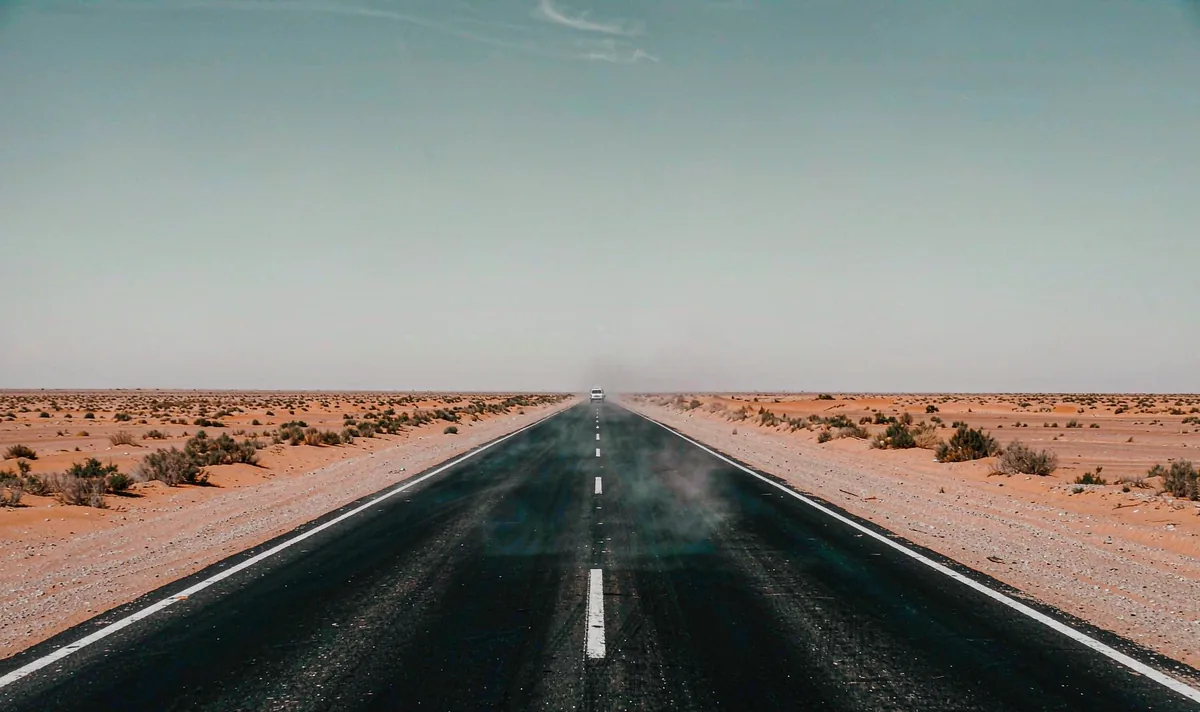
A horizon is the cheapest continuity test in any generated clip.
Open recipe →Wide & exterior
Change one variable — the light — and let the geometry prove the transition works.
Open recipe →2 presets · People & dialogue
People & dialogue
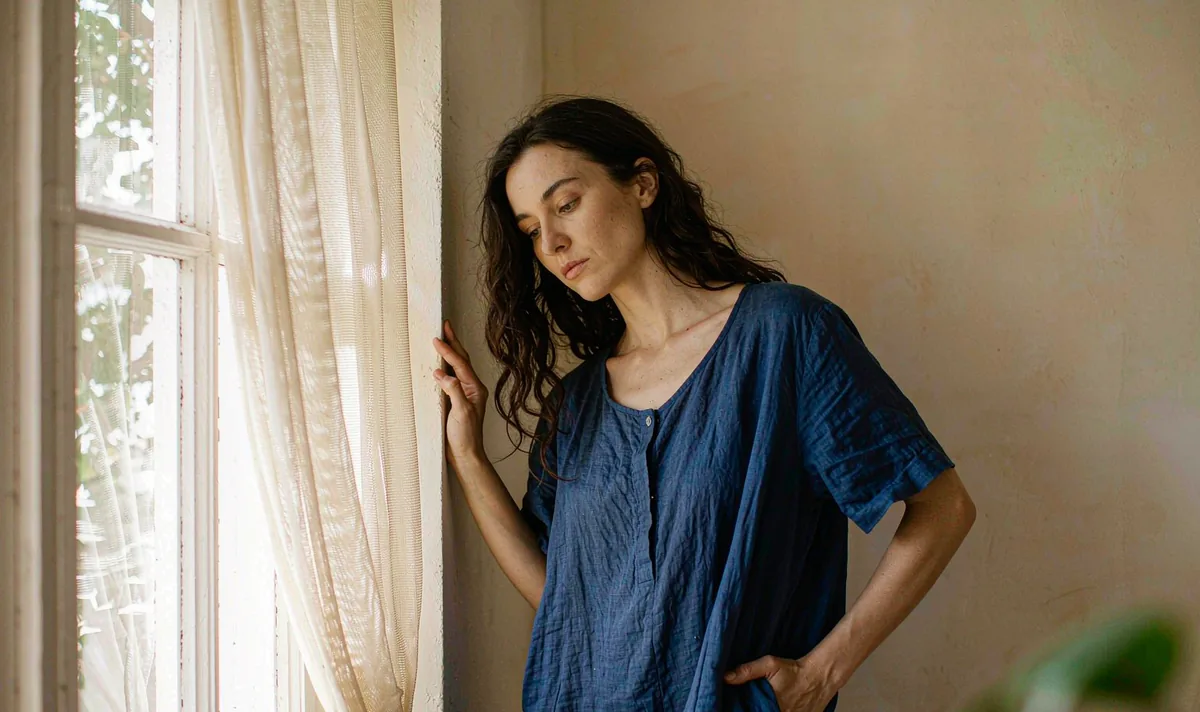
One small turn tells you more about identity drift than ten dramatic ones.
Open recipe →People & dialogue
Two people in one frame is a continuity test, not a conversation test.
Open recipe →2 presets · Macro & material
Macro & material
One droplet, one event. Any second event is where the model starts improvising.
Open recipe →Macro & material
Hands fail where the action is complicated. Give them one job.
Open recipe →2 presets · Aerial & parallax
Aerial & parallax
Parallax only works when near and far edges disagree in a consistent way.
Open recipe →Aerial & parallax
Consistency is a filing problem before it is a model problem.
Open recipe →2 presets · Studio & vertical
Studio & vertical
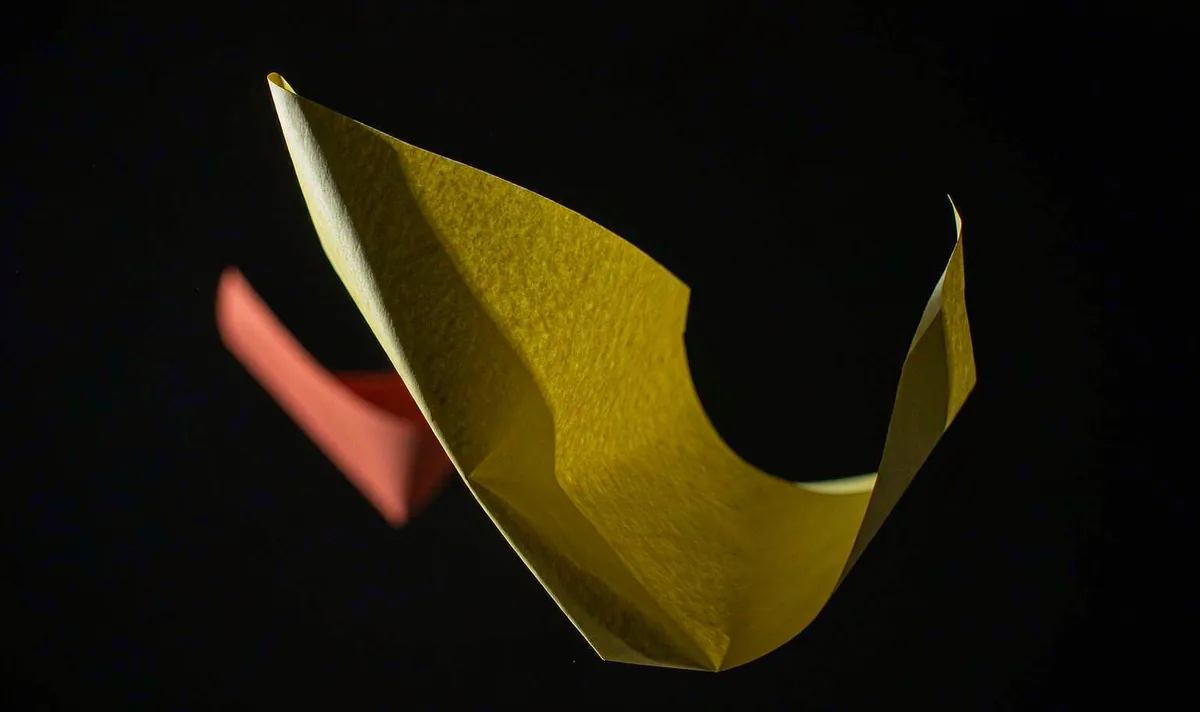
One bright shape on black gives you a free, reliable caption area.
Open recipe →Studio & vertical
A hook is three readable beats and a safe zone — not a dramatic effect.
Open recipe →