Macro & material
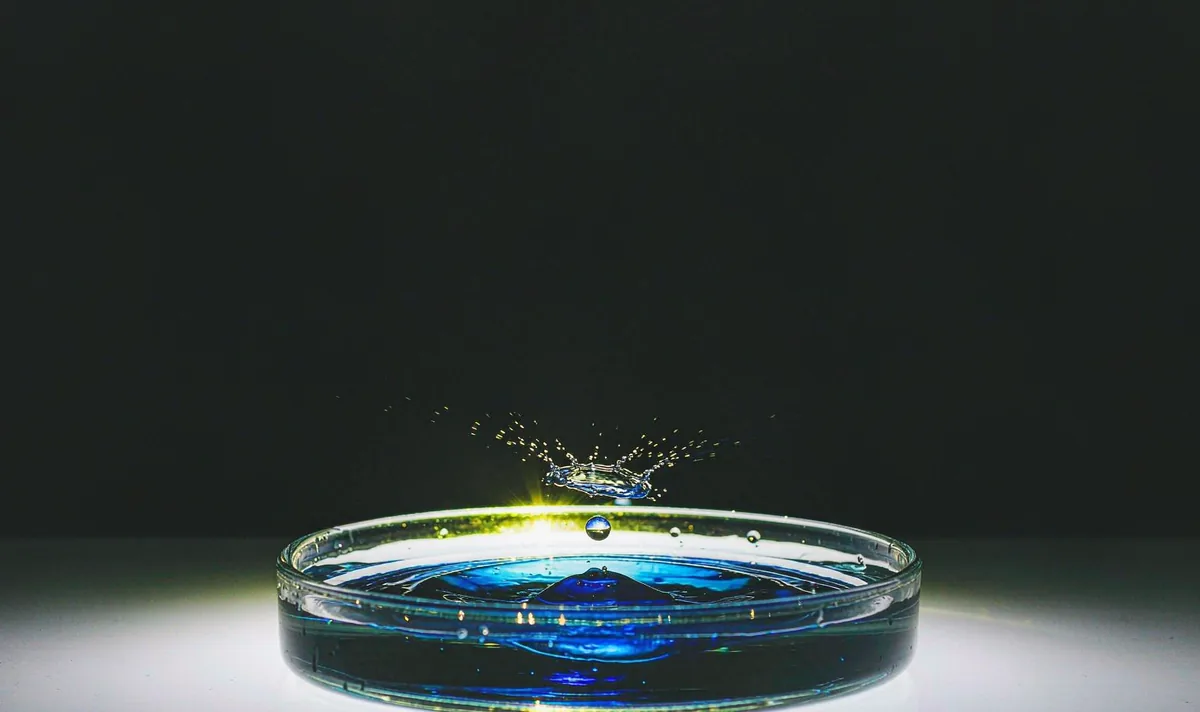
Macro Water Crown Splash
One droplet, one event. Any second event is where the model starts improvising.
Open recipe →Macro & material · Hard · 4 s
Hands fail where the action is complicated. Give them one job. A Pavo AI video preset for a single hand-and-object detail shot. Includes a pre-flight hand checklist, a minimal motion prompt and two anatomy fixes.
A generated clip inherits every ambiguity in its opening still. Approve the still as a usable composition first, then ask for only the motion this shot actually needs. If one of these checks fails, fix the still — not the prompt.
One action with a beginning, a middle and a held ending gives the model priorities and gives an editor recognisable cut points. Secondary movement stays subordinate to the main action.
Hand and object are completely still and readable.
The wrist rotates about 15° so light catches one edge of the object.
Rotation stops; hand holds the new angle without a finger adjustment.
List the identity and geometry anchors that must stay fixed. Review them across the whole result, especially during turns and camera moves. If one detail fails, revise that instruction alone.
Copy all six lines into your own generator. Each line owns one decision, so a failed render tells you which line to change. Do not add extra adjectives that do not change a visible production decision.
SUBJECT: One adult hand holding a small unbranded matte object against a plain warm-white background.
FRAME: Locked close-up, all five fingers visible and separated, thumb on the near side, hard single light from upper left.
ACTION: Hold still, rotate the wrist about 15 degrees so the light catches one object edge, then stop. No finger movement, no grip change.
CAMERA: Locked off at constant distance, no push, no focus change, no cut.
FIXED: Finger count, thumb position, object silhouette, sleeve edge, light direction, no jewellery, no text.
END ON: The rotated pose held completely still for 12 frames with the original finger count.
Want to generate your own version? Use the six-line prompt builder.
| Signal | Change this one line |
|---|---|
| A sixth finger appears during the rotation. | Remove the rotation and generate a static hold. If the still already has clean hands, do not ask for any hand motion at all. |
| The object shape changes as the wrist turns. | Describe the object as a single simple solid with no repeating parts, and restate its silhouette in the FIXED line. |
Judge this as footage, not as a demo. These are the notes that make the clip usable downstream.
Keep going
Macro & material
One droplet, one event. Any second event is where the model starts improvising.
Open recipe →People & dialogue
One small turn tells you more about identity drift than ten dramatic ones.
Open recipe →Product & tabletop
Move the shadow, not the product. Geometry stays honest.
Open recipe →