People & dialogue
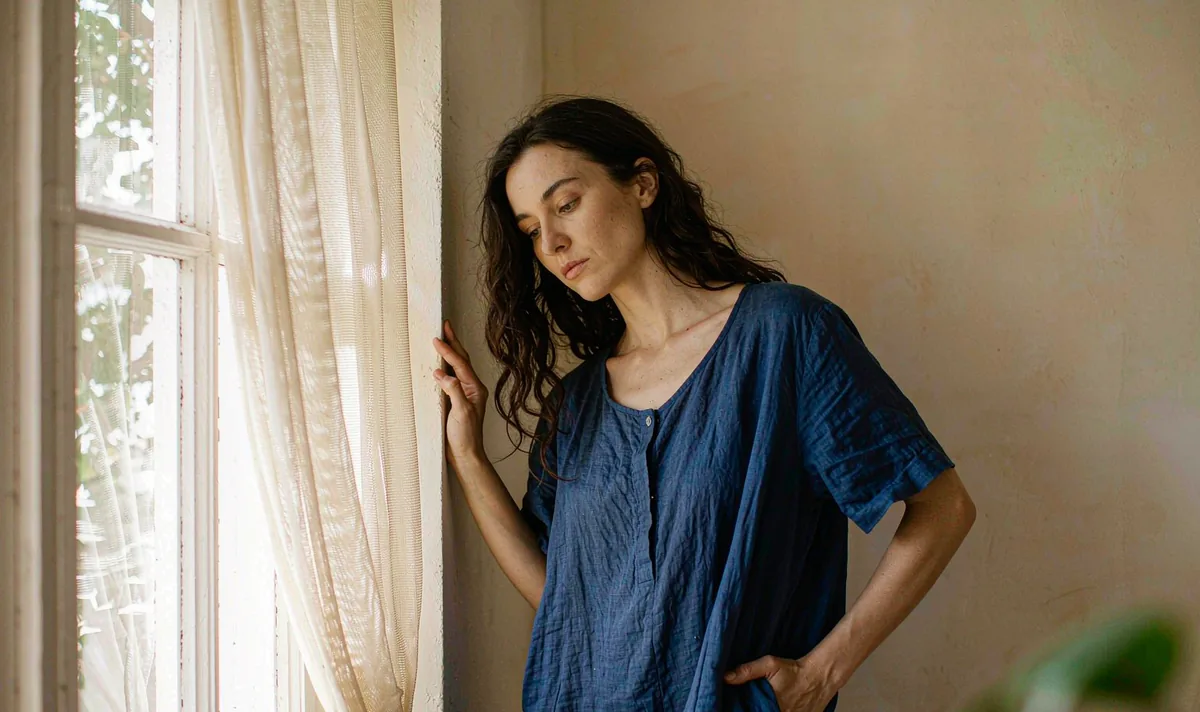
Window-Light Portrait Turn
One small turn tells you more about identity drift than ten dramatic ones.
Open recipe →Aerial & parallax · Hard · 3 × 4 s
Consistency is a filing problem before it is a model problem. A three-shot Pavo AI consistency recipe built from one approved still: a walk, a turn and a held close shot. Includes an anchor sheet and drift fixes.

A generated clip inherits every ambiguity in its opening still. Approve the still as a usable composition first, then ask for only the motion this shot actually needs. If one of these checks fails, fix the still — not the prompt.
One action with a beginning, a middle and a held ending gives the model priorities and gives an editor recognisable cut points. Secondary movement stays subordinate to the main action.
Two steps forward on a clear path, locked camera, held end frame.
A small turn toward a light source, same outfit, same hairline.
A still look held for the final 12 frames; no new action.
List the identity and geometry anchors that must stay fixed. Review them across the whole result, especially during turns and camera moves. If one detail fails, revise that instruction alone.
Copy all six lines into your own generator. Each line owns one decision, so a failed render tells you which line to change. Do not add extra adjectives that do not change a visible production decision.
SUBJECT: The same adult character from the approved reference still, in a plain cobalt-blue coat.
FRAME: Shot 1 wide path, shot 2 medium three-quarter, shot 3 close portrait; all from the same reference still, same daylight.
ACTION: Shot 1 two steps forward; shot 2 a small turn toward the light; shot 3 no action, a held look.
CAMERA: Three separate locked setups, no orbit, no zoom, no cut inside a shot.
FIXED: Face shape, hairline, coat colour, collar shape, one silhouette detail, no text, no logos.
END ON: Each shot ends on a completely still frame for at least 12 frames.
Want to generate your own version? Use the six-line prompt builder.
| Signal | Change this one line |
|---|---|
| The face differs between shot 1 and shot 3. | Regenerate shot 3 directly from shot 1 end frame instead of the original still. Use the previous shot output as the next input. |
| The coat changes shade. | Remove colour adjectives like deep, rich or navy; state one flat colour name and reuse the exact wording in every shot. |
Judge this as footage, not as a demo. These are the notes that make the clip usable downstream.
Keep going
People & dialogue
One small turn tells you more about identity drift than ten dramatic ones.
Open recipe →People & dialogue
Two people in one frame is a continuity test, not a conversation test.
Open recipe →Wide & exterior
Change one variable — the light — and let the geometry prove the transition works.
Open recipe →