People & dialogue
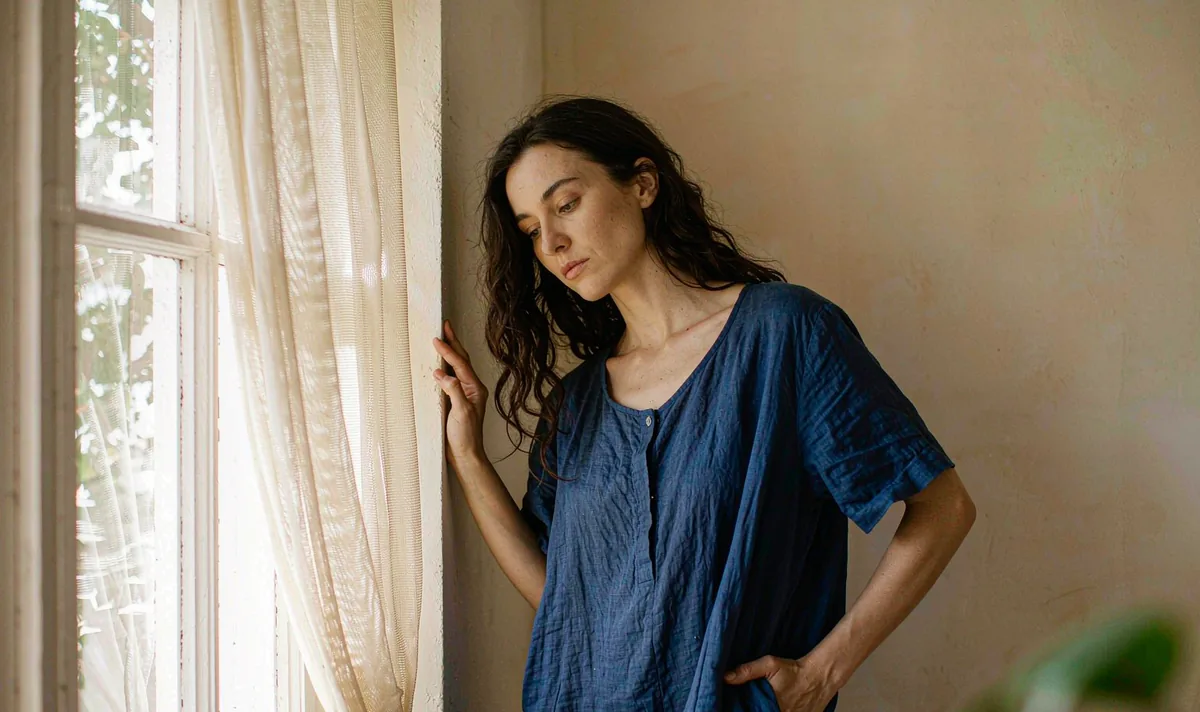
Window-Light Portrait Turn
One small turn tells you more about identity drift than ten dramatic ones.
Open recipe →People & dialogue · Hard · 5 s
Two people in one frame is a continuity test, not a conversation test. A Pavo AI two-shot dialogue preset that prioritises a stable eyeline and a held ending over fake lip sync. Includes two identity fixes and edit notes.
A generated clip inherits every ambiguity in its opening still. Approve the still as a usable composition first, then ask for only the motion this shot actually needs. If one of these checks fails, fix the still — not the prompt.
One action with a beginning, a middle and a held ending gives the model priorities and gives an editor recognisable cut points. Secondary movement stays subordinate to the main action.
Both subjects hold a neutral listening pose.
Only the left subject inclines the head slightly; the right subject stays still.
Both settle into the original pose and hold.
List the identity and geometry anchors that must stay fixed. Review them across the whole result, especially during turns and camera moves. If one detail fails, revise that instruction alone.
Copy all six lines into your own generator. Each line owns one decision, so a failed render tells you which line to change. Do not add extra adjectives that do not change a visible production decision.
SUBJECT: Two adults in a bright interior, one in a plain cobalt-blue shirt on the left and one in a plain cream shirt on the right.
FRAME: Locked medium two-shot, slight three-quarter angle, both faces fully visible, plain off-white wall, one window light from the left.
ACTION: Hold a neutral listening pose; only the left person inclines their head slightly; both return to the opening pose. No mouth movement, no speaking.
CAMERA: Locked off, no pan, no push, no cut, no reframing.
FIXED: Both facial structures, both hairlines, two shirt colours, eyeline direction, shoulder positions, no text, no mirrors.
END ON: Both subjects in the original pose, fully still, for 12 frames.
Want to generate your own version? Use the six-line prompt builder.
| Signal | Change this one line |
|---|---|
| The two faces start to resemble each other. | Split into two single-subject clips and cut between them. Identity bleed between two generated people is the most common failure in this format. |
| Mouths move without audio. | Remove every dialogue, speaking and lip-sync word. Add voice and captions in the editor instead. |
Judge this as footage, not as a demo. These are the notes that make the clip usable downstream.
Keep going
People & dialogue
One small turn tells you more about identity drift than ten dramatic ones.
Open recipe →Aerial & parallax
Consistency is a filing problem before it is a model problem.
Open recipe →Studio & vertical
A hook is three readable beats and a safe zone — not a dramatic effect.
Open recipe →