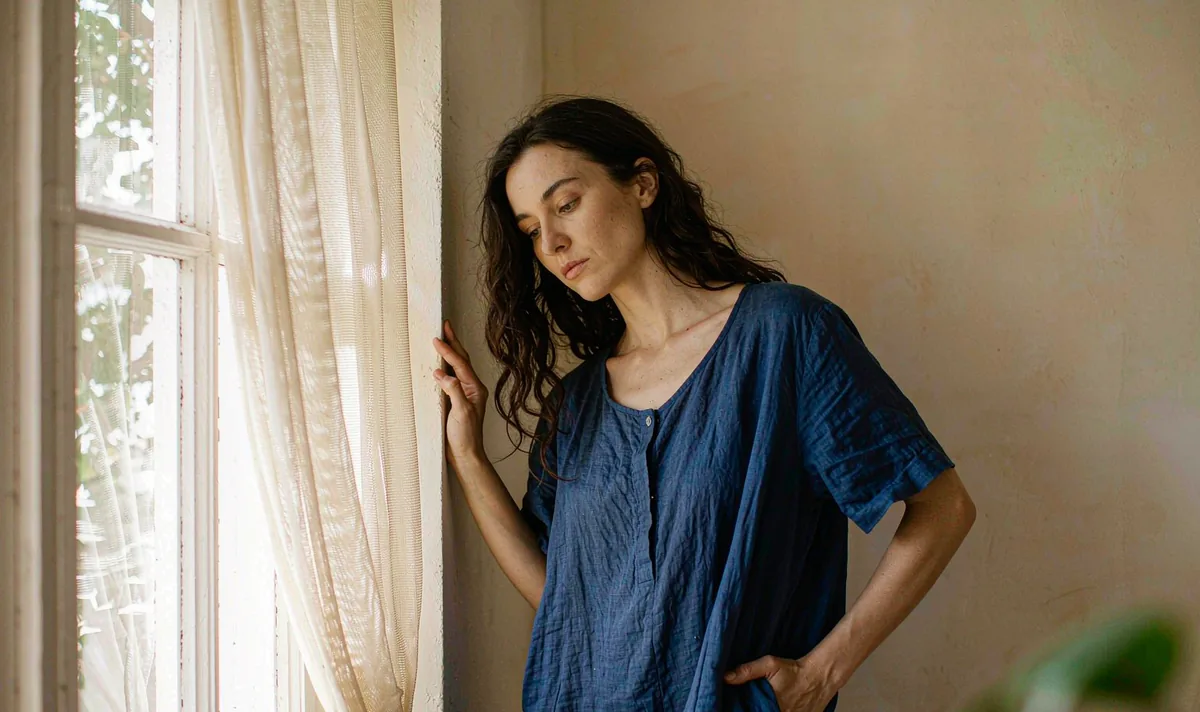
Studio & vertical
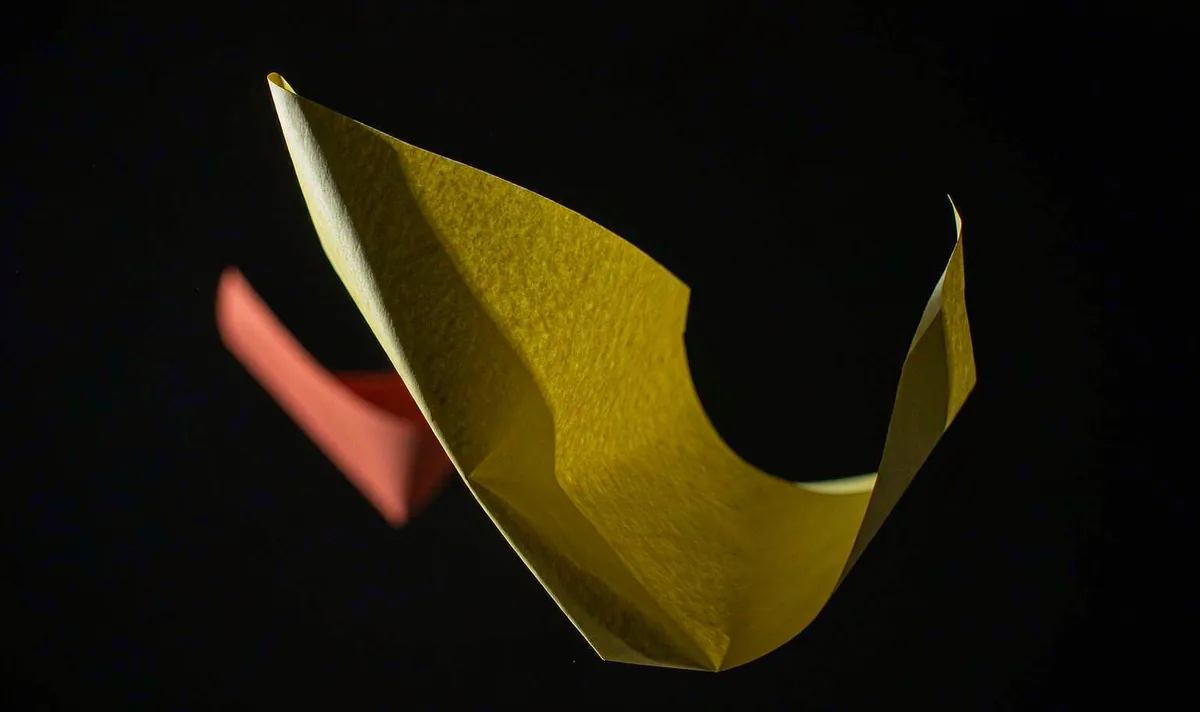
Studio Paper Curl on Black
One bright shape on black gives you a free, reliable caption area.
Open recipe →Studio & vertical · Medium · 5 s
A hook is three readable beats and a safe zone — not a dramatic effect. A vertical Pavo AI video recipe built around a three-beat hook with a clean caption zone and a held end frame. Free copy-paste prompt included.
A generated clip inherits every ambiguity in its opening still. Approve the still as a usable composition first, then ask for only the motion this shot actually needs. If one of these checks fails, fix the still — not the prompt.
One action with a beginning, a middle and a held ending gives the model priorities and gives an editor recognisable cut points. Secondary movement stays subordinate to the main action.
One clear graphic shape in the middle of the frame; nothing else.
A single small motion reveals a second colour; composition does not change.
Settle into a held frame with a clear caption zone.
List the identity and geometry anchors that must stay fixed. Review them across the whole result, especially during turns and camera moves. If one detail fails, revise that instruction alone.
Copy all six lines into your own generator. Each line owns one decision, so a failed render tells you which line to change. Do not add extra adjectives that do not change a visible production decision.
SUBJECT: One bright yellow paper shape on a flat black studio background, with a single coral-orange strip behind it.
FRAME: Locked 9:16 vertical composition, subject centred in the middle 60%, top 15% and bottom 20% kept clear for interface and captions.
ACTION: Hold; the paper edge lifts once to reveal a small coral-orange strip; settle into the original composition. One motion only.
CAMERA: Locked off vertical, no push, no pan, no zoom, no cut.
FIXED: Safe zones, subject scale, colour count, flat black background, no text, no logos, no hands.
END ON: A completely still frame with a clear caption zone for at least 12 frames.
Want to generate your own version? Use the six-line prompt builder.
| Signal | Change this one line |
|---|---|
| The composition drifts upward as the edge lifts. | Delete all camera words and restate the safe zones in the FIXED line. Vertical drift is usually the model reframing, not the paper. |
| Text-like marks appear on the paper. | Add no printing, no type, no glyphs to the FIXED line and avoid words like poster, label or card. |
Judge this as footage, not as a demo. These are the notes that make the clip usable downstream.
Keep going
Studio & vertical
One bright shape on black gives you a free, reliable caption area.
Open recipe →People & dialogue
Two people in one frame is a continuity test, not a conversation test.
Open recipe →Aerial & parallax
Parallax only works when near and far edges disagree in a consistent way.
Open recipe →